Hyper-V Platform
Hyper-V GPU Passthrough: An Essential Guide for Beginners
October 16, 2026
Hyper-V virtual machines use an emulated graphics adapter by default, which is sufficient for basic display tasks but lacks the performance...

How to Instantly Recover a Hyper-V Virtual Machine from a Backup with Flash VM Boot
October 8, 2026
Instant VM recovery in Hyper-V solves a common problem: when a business-critical Hyper-V VM goes down, a full restore can take hours, which...

RAID vs JBOD: Best Storage Option for Hypervisor Backups
August 3, 2026
When configuring storage on local servers or Network Attached Storage (NAS) devices, RAID and JBOD are the two common options. Both involve...
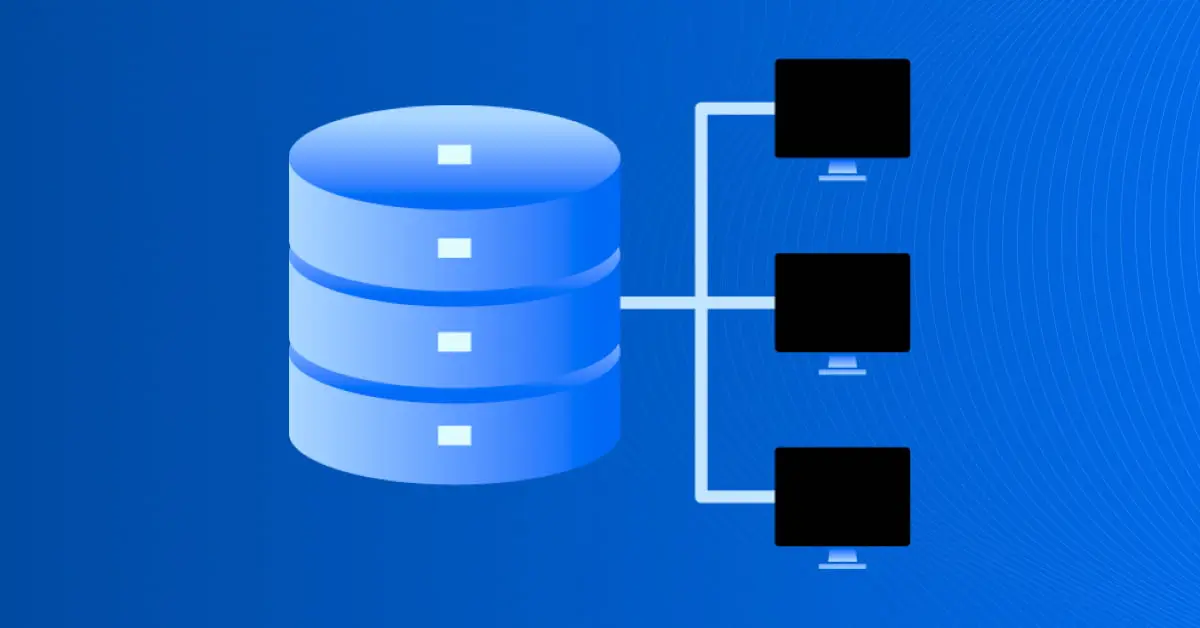
How Hyper-V High Availability Works
June 22, 2026
Organizations rely on continuous access to their applications and data, making service interruptions difficult to predict and even harder to...
How to Delete a Snapshot Using Hyper-V Manager or PowerShell
June 16, 2026
Snapshots, which are known as checkpoints in Hyper-V, come in handy when you need to retain the last properly running state of a VM before d...

How to Run Linux on Hyper-V?
June 5, 2026
Running Linux on Hyper-V allows you to combine the stability of Microsoft’s virtualization platform with the versatility of open-source oper...
How to Install and Configure Hyper-V Manager
June 2, 2026
Microsoft provides a wide variety of tools for managing the Hyper-V environment: System Center Virtual Machine Manager (SCVMM), PowerShell,...

Hyper-V Cluster Setup on Windows Server Machines: A Step-by-Step Guide
June 2, 2026
One of the critical requirements for virtual infrastructures, especially in large data centers, is the elimination of a single point of fail...

How to Increase Disk Size in Hyper-V: The Ultimate Approach
June 2, 2026
Virtual machines require high storage capacity for proper performance and smooth operation. One way to increase capacity when a VM is about...
How to Disable Hyper-V in Windows
June 2, 2026
Microsoft Hyper-V is a type 1 hypervisor that you can install on Windows – including on Windows 10 and Windows Server 2019. In some scenario...
How to Migrate VMs from Hyper-V to Proxmox: A Step-by-Step Guide
May 27, 2026
Proxmox VE is a reliable virtual environment for organizations of all sizes, and moving virtual machines from another virtualization solutio...

How to Migrate from VMware to Hyper-V
May 27, 2026
You may need to convert a VMware VM into a Hyper-V VM for different reasons. For example, you may have a multi-hypervisor environment, you m...

How to Fix the Error: Hyper-V Checkpoint Operation Failed
May 27, 2026
A possible error when working with Microsoft Hyper-V checkpoints is the Hyper-V checkpoint operation failed error and other similar errors....
How to Convert Hyper-V to VMware: Complete Guide
May 18, 2026
Virtualization platforms like Hyper-V and VMware are essential for running flexible and scalable IT environments. As organizations evolve, t...
Hyper-V Virtual Switches: Types and Configuration
May 5, 2026
Microsoft Hyper-V is one of the leading hypervisors used to deploy a virtual infrastructure and create virtual machines (VMs). In an environ...

Hyper-V Storage Migration Guide
May 5, 2026
Modern organizations are interested in being mobile, flexible, and efficient so as to remain competitive in the ever-changing market. Thus,...
Hyper-V Nested Virtualization Explained
May 4, 2026
Hyper-V nested virtualization is a feature that was first released with Windows Server 2016 and Windows 10, and available on workstations as...

Hyper-V Export and Import: What, Why, and How
May 4, 2026
One of the many benefits of virtualization is portability, meaning that you can easily move selected virtual machines (VMs) from one locatio...
Hyper-V Server Core vs GUI Installation: How They Compare
May 4, 2026
Starting with Windows Server 2008, Hyper-V has been available as a Windows Server role and as a standalone Hyper-V Server. There are essenti...
How to Use Scale-Out File Server in Windows Server 2019
May 4, 2026
Accessing data via a network is common today. File shares for regular users and administrative purposes are widely used in business environm...