Two-Factor Authentication
2FA provides an additional layer of protection whereby users are required to enter a time-based one-time password (TOTP) from Google Authenticator or a verification code received via email each time they log in.
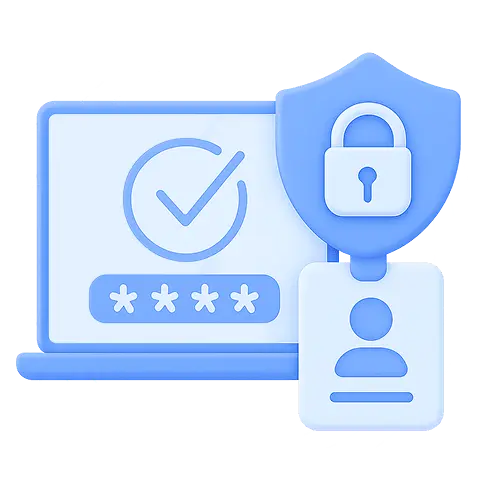
Benefits of Two-Factor
Authentication
Improved Security
Prevent unauthorized access by combining your password with a verification code
Flexible 2FA
Use verification codes from Google Authenticator or receive codes via email
Multi-Tenancy Support
Apply two-factor authentication to all users whether in single-tenant or multi-tenant mode
Simple Configuration
Activate and manage 2FA easily through the NAKIVO web interface without requiring third-party integrations
16,000+ Customers Trust NAKIVO

How Two-Factor Authentication
Works in NAKIVO

TOTP and Email Verification
Secure user logins with time-based one-time passwords (TOTP) generated by Google Authenticator or with verification codes sent via email. Choose the method that best fits your organization’s authentication policies.

Built-In 2FA Engine
Activate two-factor authentication through the NAKIVO Backup & Replication web interface. Configuration is fully integrated without the need for third-party services or plugins.

Per-User 2FA Settings
Apply 2FA individually per user account. Administrators can enforce two-factor authentication selectively or across all users for consistent security coverage.

Multi-Tenant Access
Enable two-factor authentication for each tenant individually. Each tenant uses separate 2FA settings to ensure secure access to the management interface.
What’s New in NAKIVO Backup & Replication
Discover the latest features and enhancements in the latest version of NAKIVO Backup & Replication.
Customer Testimonials
